01
Upload the recording
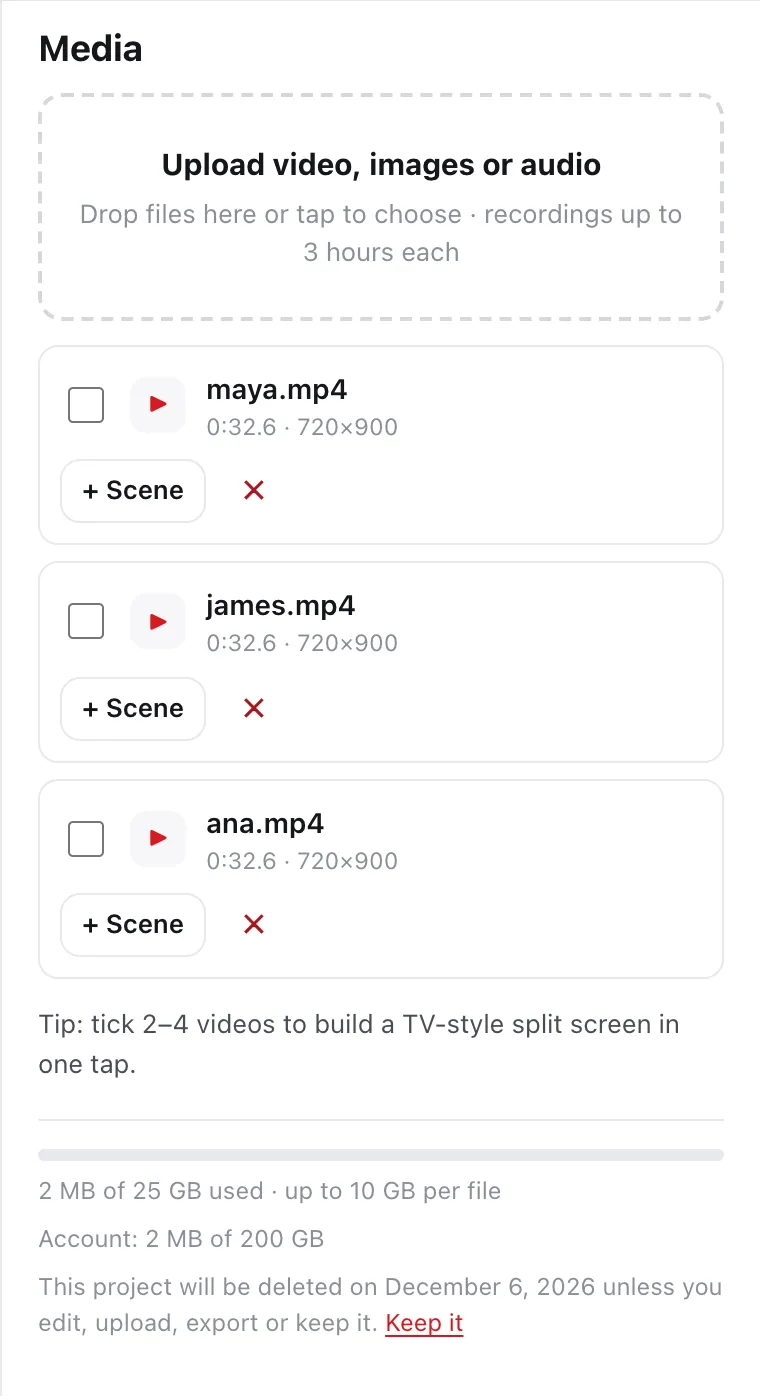
Bring in recordings up to three hours long. Uploads resume on their own if your connection drops.
Recorded apart. Together on screen.
Upload separate recordings. Edit the words. Put everyone on screen.
New to DailyCut? Create your account, then choose $70 a month or $700 a year. No free trial.


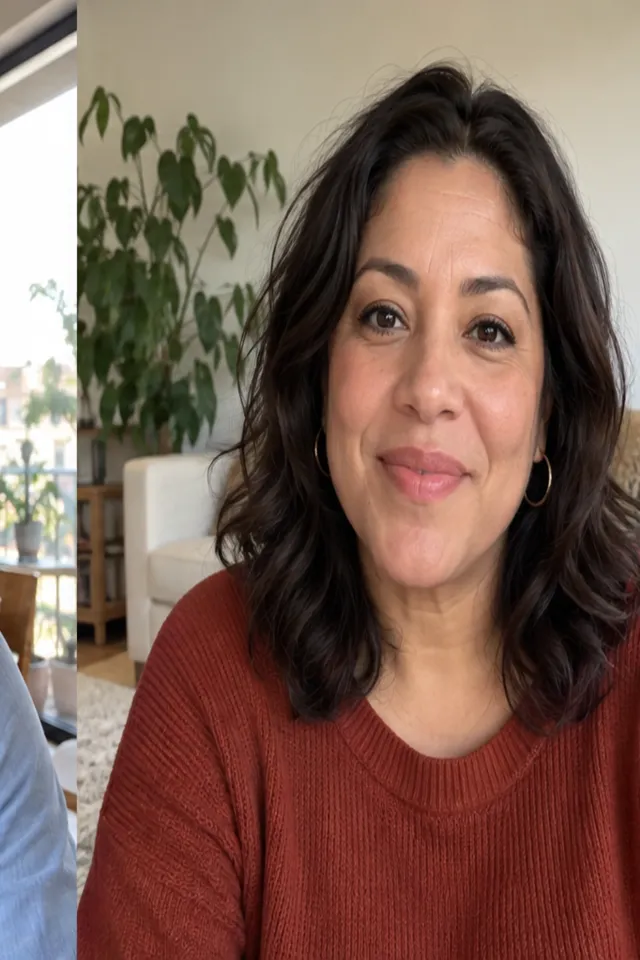


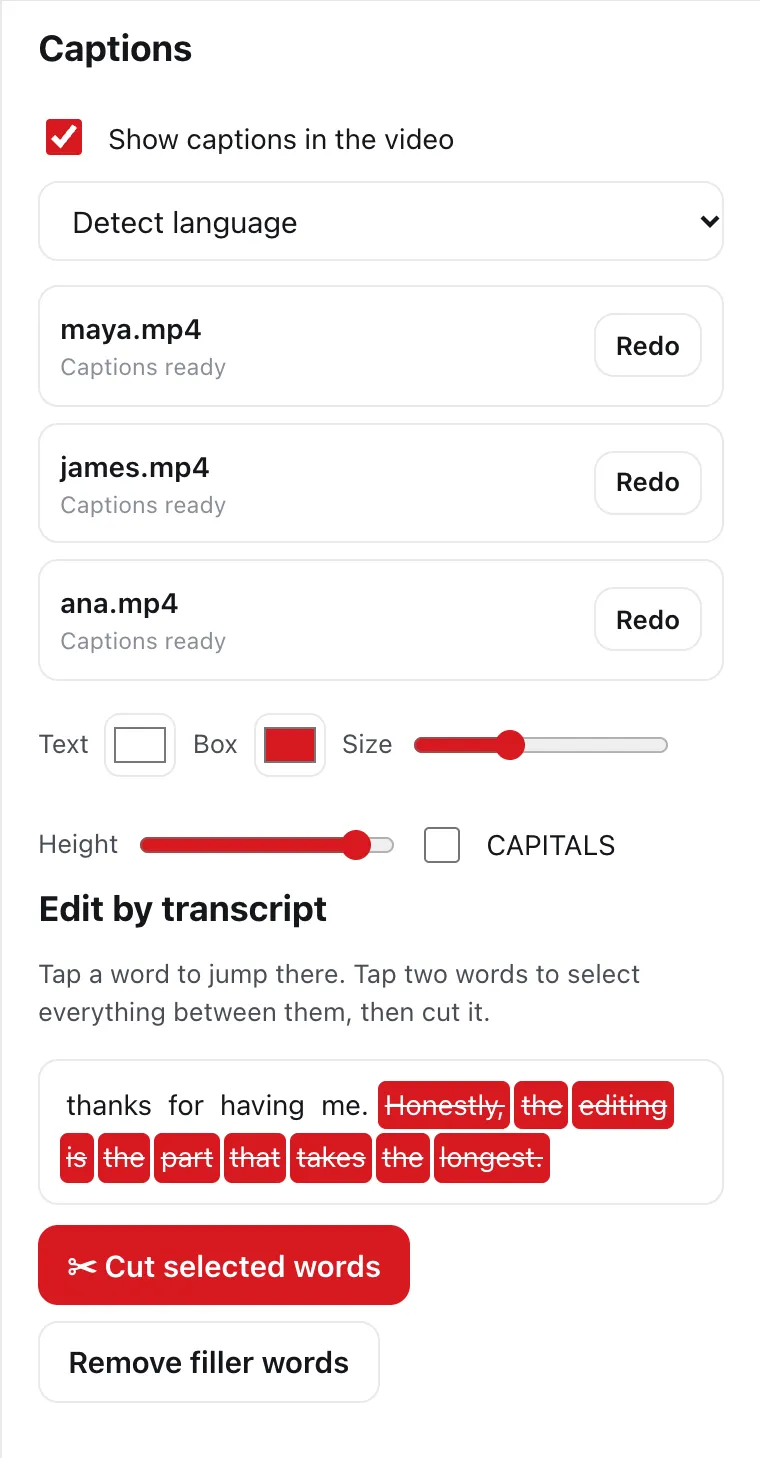
The real DailyCut editor, sample layout. Synthetic demo participants and voices; placeholder footage, not customer media.
Five steps. One conversation worth watching. Work on what was said, and DailyCut does the cutting.
Bring in recordings up to three hours long. Uploads resume on their own if your connection drops.
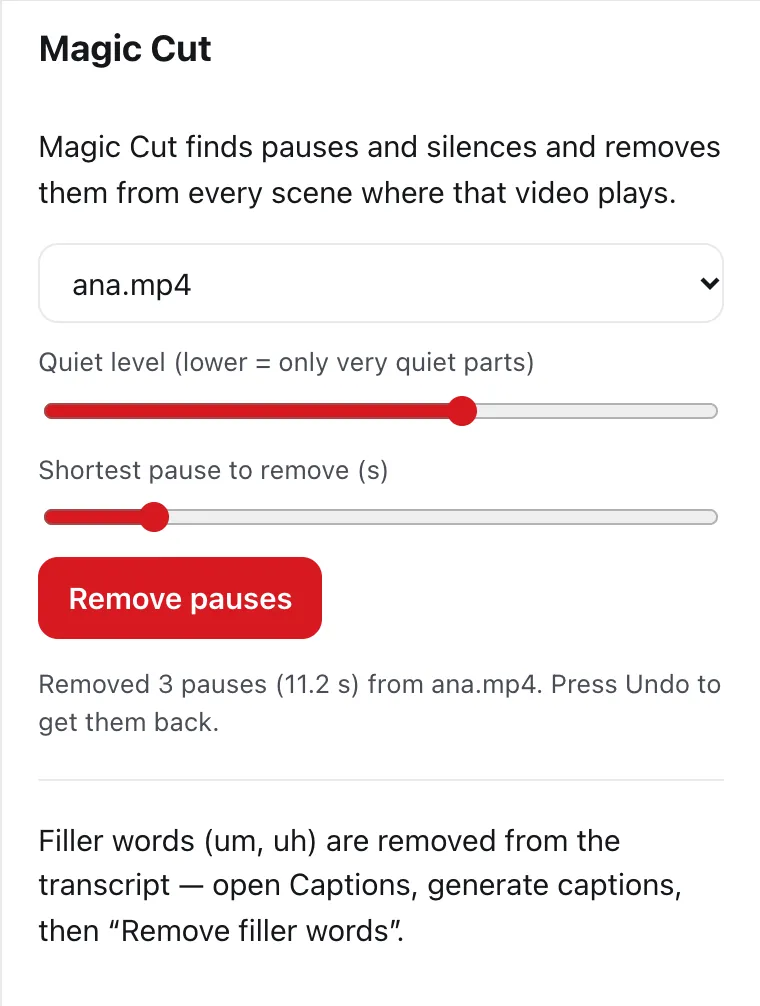
Magic Cut finds pauses and silence and removes them. One more click takes out the “um”s and “uh”s.
Your recording becomes a transcript. Select the words you don’t want, cut them, and the video follows.
Keep the conversation easy to follow. Add captions timed to every word, and choose their size, color and position.
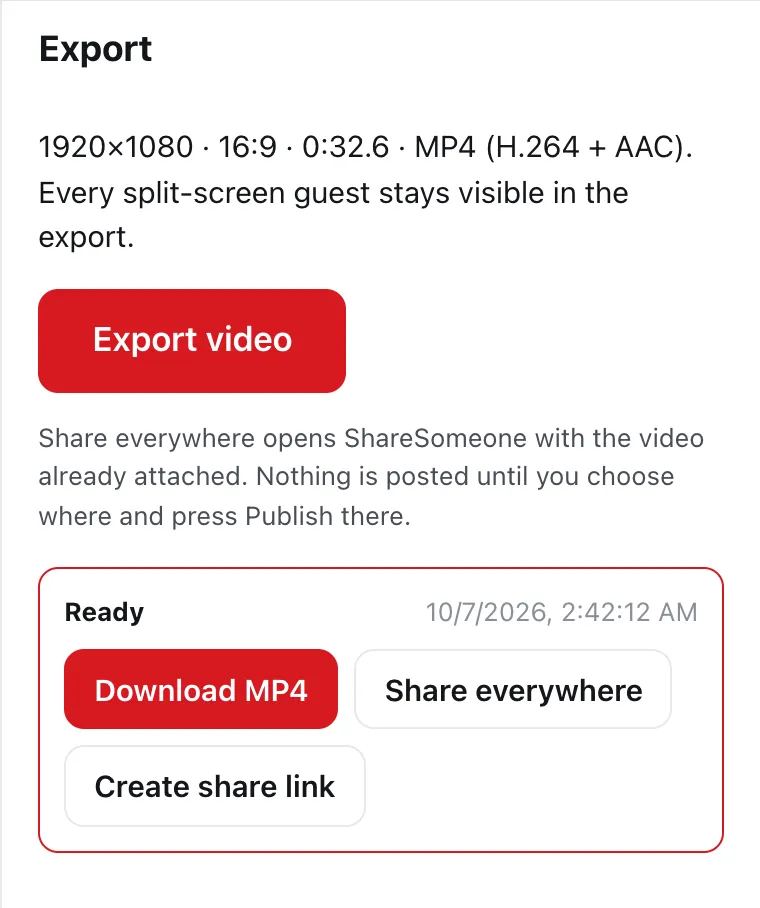
Download the finished MP4 with your cuts and captions in sync. Ready for your audience.
For the whole conversation
Separate recordings don’t have to look separate. Bring two, three or four guests into one frame. Choose who is on air; everyone else stays visible and waits.
Side by side, stacked, main plus guests, grid or picture in picture.
Pick the speaker from the playhead. Cameras recorded together stay in sync.
Landscape for YouTube, vertical for Reels, TikTok and Shorts, square and portrait.
Pay monthly or yearly. The same DailyCut either way.
or $700 a year
Recordings up to 3 hours each. Usage allowances reset every month, on yearly plans too. Projects become eligible for automatic deletion after 60 days without activity — DailyCut is an editor, not long-term storage. No free tier or free trial. If you cancel, you keep editing until the end of the period you paid for. Prices in US dollars; tax is added at checkout where it applies. DailyCut is for people aged 18 or older.
DailyCut Enterprise
For newsrooms, production teams and organizations that need more people, more processing and centralized billing.
No. DailyCut is a paid product: $70 a month or $700 a year. You create your account first, then choose a plan; editing opens once your payment goes through.
Source-hours are the total length of the recordings you upload — three people each uploading a two-hour recording use six. Rendered hours are the length of the videos you export; an export that fails doesn’t count. The plan includes 25 of each every month, and yearly plans get a fresh allowance every month too. Your account shows what you’ve used and when it resets.
New uploads or exports wait until your allowance resets — you’re never charged extra automatically. You can still open, edit and delete your projects. If you regularly need more, talk to us about Enterprise.
You keep editing until the end of the billing period you already paid for, then it stops. If a renewal payment doesn’t go through, editing stops when your paid period ends.
Each recording can be up to three hours long and 10 GB. A project can hold 25 GB and an account 200 GB in total.
You do. DailyCut uses your files to provide the editor to you and to handle safety reports and legal obligations; exports stay private until you create a share link. See the Terms.
DailyCut is an editor, not long-term storage. A project becomes eligible for automatic deletion, with its uploads, captions and exports, 60 days after your last edit, upload, export or “Keep” — opening it without changing anything doesn’t count. Each project shows that date, and you’re warned in your account a week before. Exports are deleted 60 days after they’re made. You can also delete projects yourself at any time. Material under a child-safety review is preserved until that review is resolved.
People aged 18 or older with a paid DailyCut subscription. There are no accounts for children.